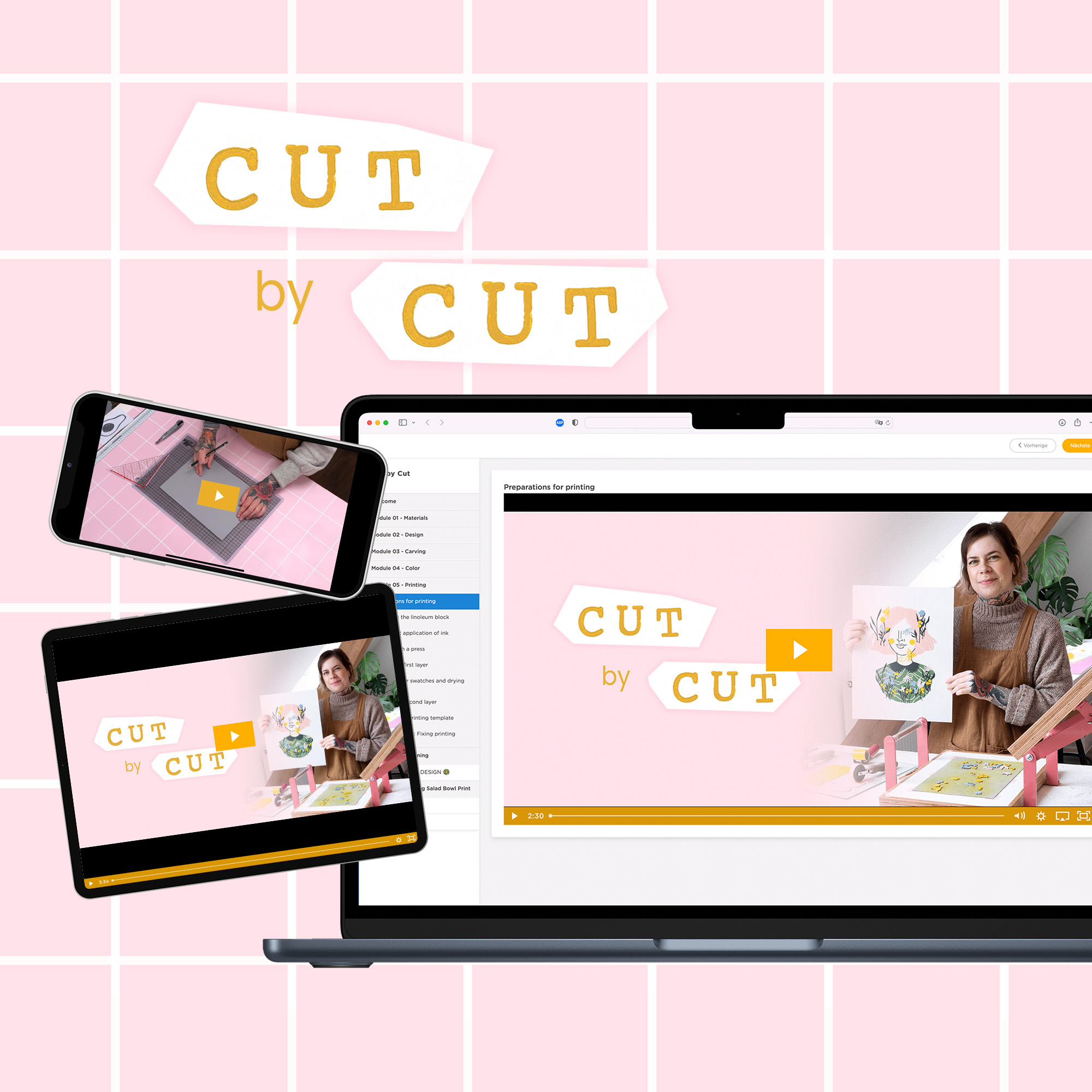
Welcome to “Cut by Cut” – the online course for colourful multi-block lino printing!
In 9 modules and over 50 videos, I’ll guide you step by step through my complete workflow for layered lino prints with multiple printing blocks.
We start with a small A6 practice motif to learn all the important techniques on a smaller scale before moving on to larger print projects like the colourful Salad Bowl print or the bunny motif.
🎉 The course also includes a dedicated fabric printing module — perfect for printing your own tote bags, T-shirts and other textiles.
Throughout the course, you’ll learn how I plan colours, build print layers and create colourful lino prints using my multi-block method.
👉 Check out the module overview to see all lessons included in “Cut by Cut”.
📌 This course is in English. If you’re looking for the German version, check out "Schnitt für Schnitt".
Course plan
Welcome
Welcome to Cut by Cut
Exchange, feedback, questions
Intro and about me
Influences and style
Course objectives and structure
Module 01 - Materials
Materials and products for printing
Paper
Module 02 - Design
Collecting Inspiration on Pinterest
Sketchbook
Analog drawing exercise
Digital drawing exercise with iPad Pro
Transferring the sketch to linoleum
Module 03 - Carving
Carving tools starter kit
Correct posture
Carving exercise
Sharpening the tools
Carving the mini print
Repairing carving mistakes
Module 04 - Color
Color theory
Differences of linoleum inks
Mixing Colors
Mixing Color: Pink
Mixing Color: Yellow
Mixing Color: Green
Registration - Preparing the printing template
Module 05 - Printing
Preparations for printing
Laying out the linoleum block
The correct application of ink
Printing with a press
Printing the first layer
Creating color swatches and drying process
Printing the second layer
Adjusting the printing template
Troubleshooting: Fixing printing problems
Module 06 - Cleaning
Cleaning setup and general rules
Cleaning the printing utensils
Storing ink and prints
Storing the blocks and utensils
PART 2 – THE BIG DESIGN 🥗
Module 07 - The big Salad Bowl Print
First layer salad bowl
Carving the first layer
Creating the registration template
Printing the first layer
Cleaning
Second layer salad bowl
Carving the second layer
Printing the second layer
Third layer salad bowl
Carving the third layer
Printing the third layer
Your next steps
Module 08 - Let's print a bunny 🐰
Intro + Template
Drawing the rabbit
Carving the rabbit
Mixing the colors for the rabbit
Printing the rabbit
The rabbit is finished!
Module 09 - Printing on fabric
Intro + Overview
Fabric Ink
Other materials
Carving rubber blocks
Printing on fabric
Taking care
Printing Xmas Cards
Template and Instructions
Additional print templates
Spring flowers
Halloween Mini Print Set
Pumpkin Print