




1. JuicyCats Basic Video: Welcome
- First we start to show you how to create the canvas sizes and which colour panel to choose.
- We show how to insert a file or a foto.
- We show how to create the layers.
- You learn about the colour circle & colour palettes.
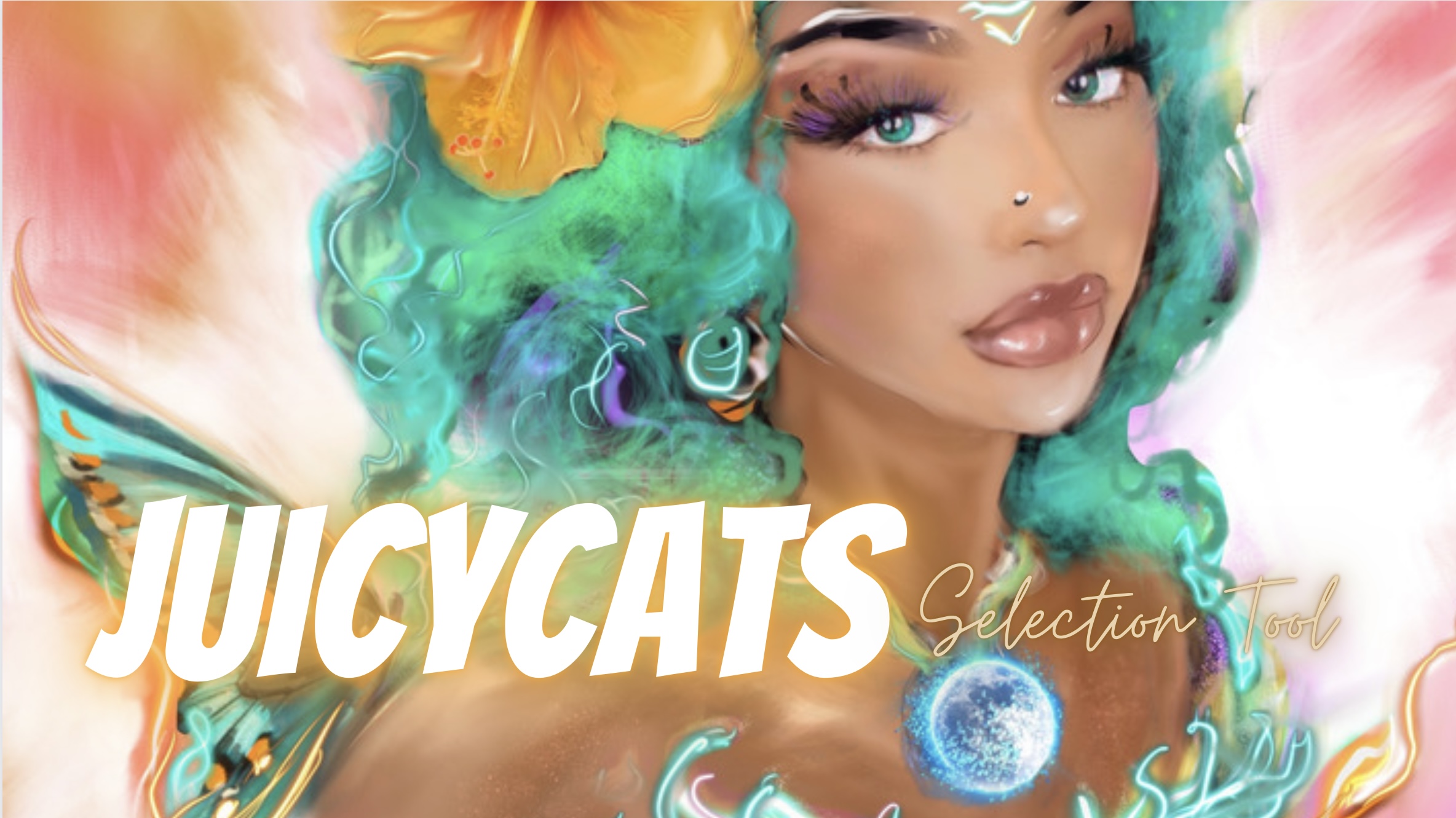
2. JuicyCats Energy: Selection Tool
-You learn about the layers and the selection tool.
-You learn how to create your first JuicyCat as a special selection!
3. JuicyCats Energy: Painting & Drawing
It’s the first time we draw & painting together with our JuicyCat.
You learn about the brush tool, the finger tool, the eraser tool.
You learn about size & opacity bar.
How to use it for your brushes, for your finger tool and for your eraser tool.
You can change the colour by touching your JuicyCat with your finger.
What is Opacity? The Opacity is useful if you like to softern your colours or you erasing.
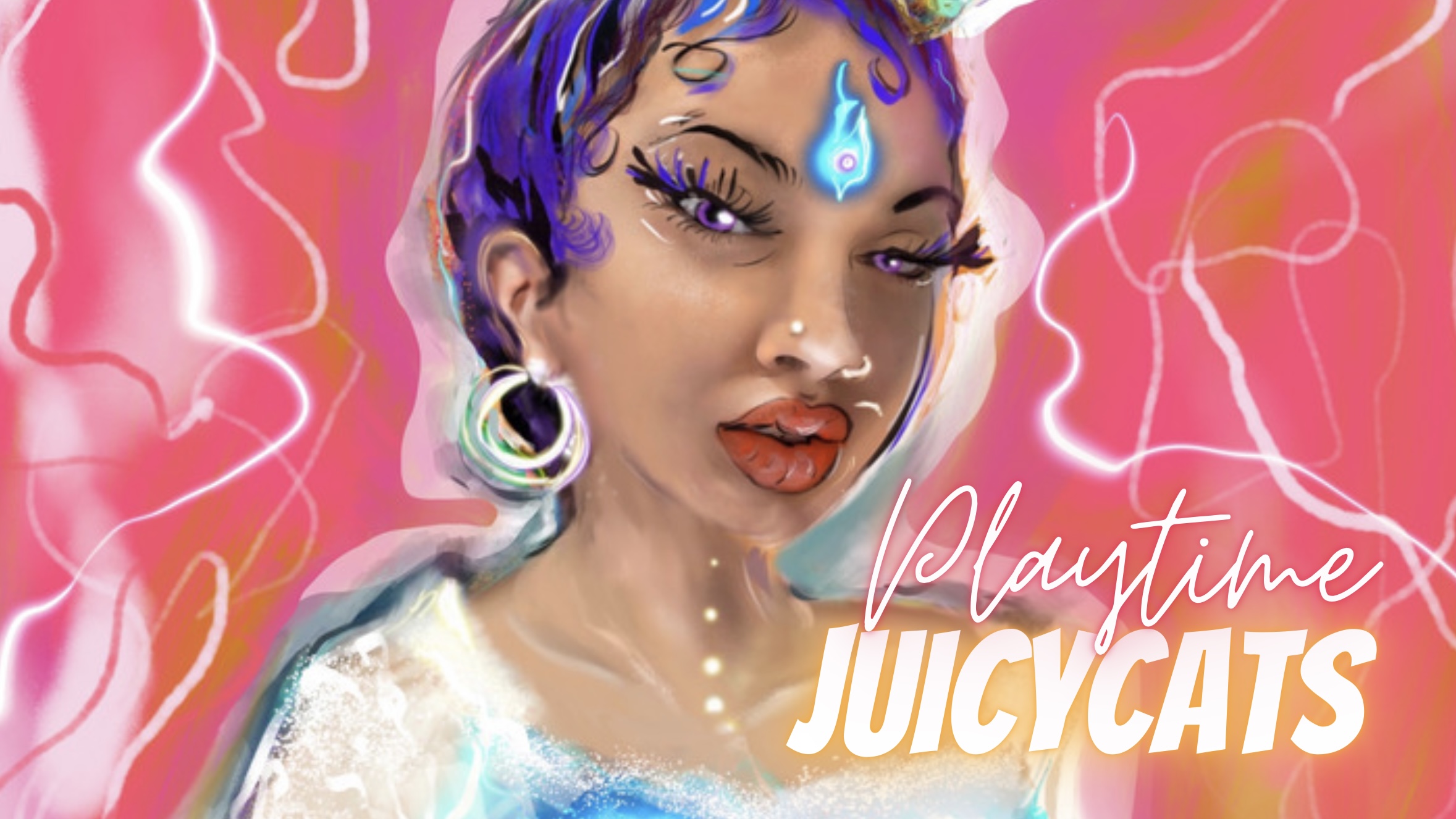
4. JuicyCats Energy Playtime
Explaining about background and how to save the JuicyCat with transparent background.
To create an animation from the background.
We select the JuicyCat and create a new layer.
We soften edges and play with the opacity, the size, the smudge finger together
with oil brush and the spraying brush.
We learn wonderful gestic tools:
Tap with 2 fingers to step back and use 3 fingers tap to step forward.
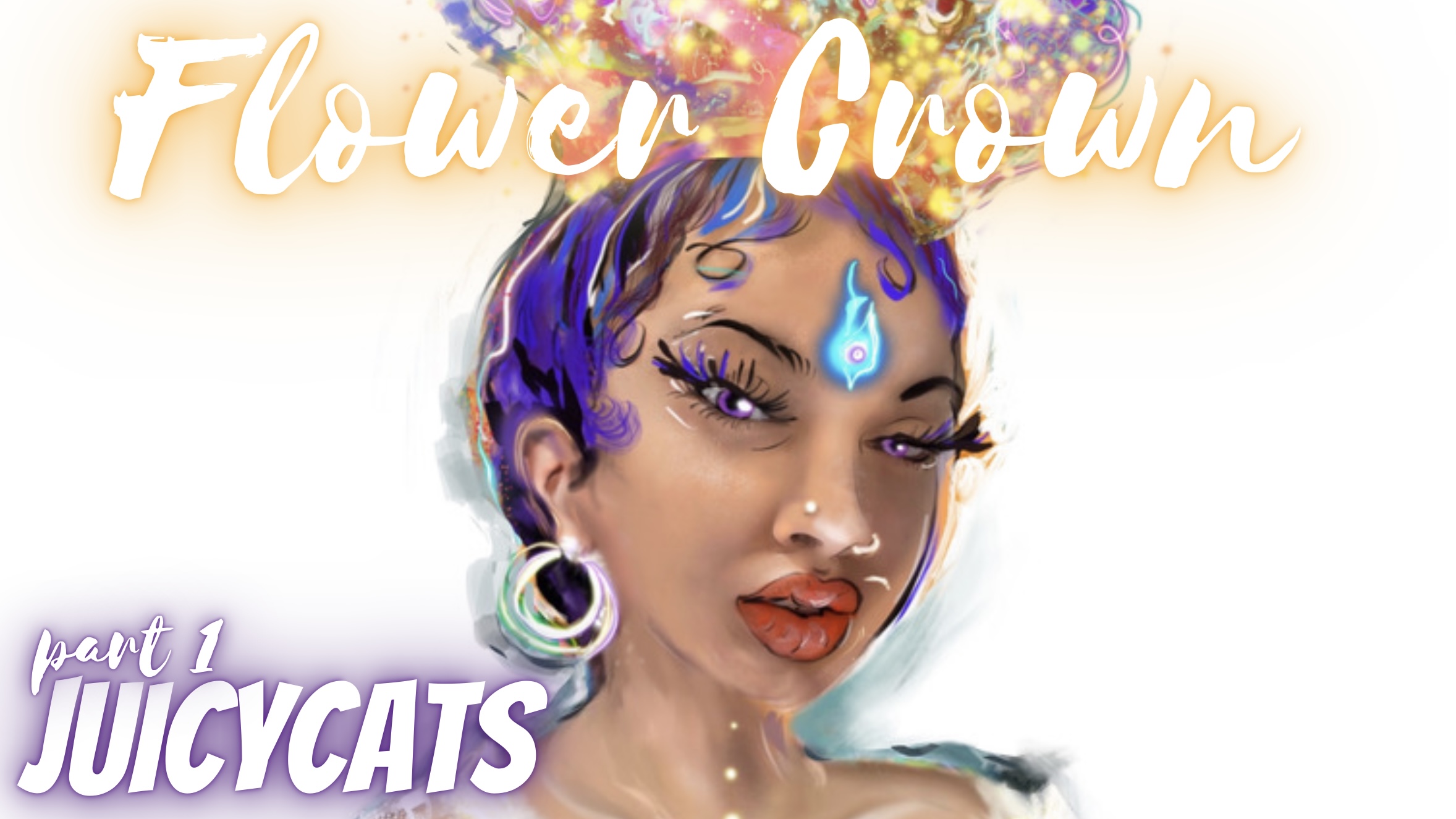
5. JuicyCat Energy: Flower 🌸 🌺Crown 1
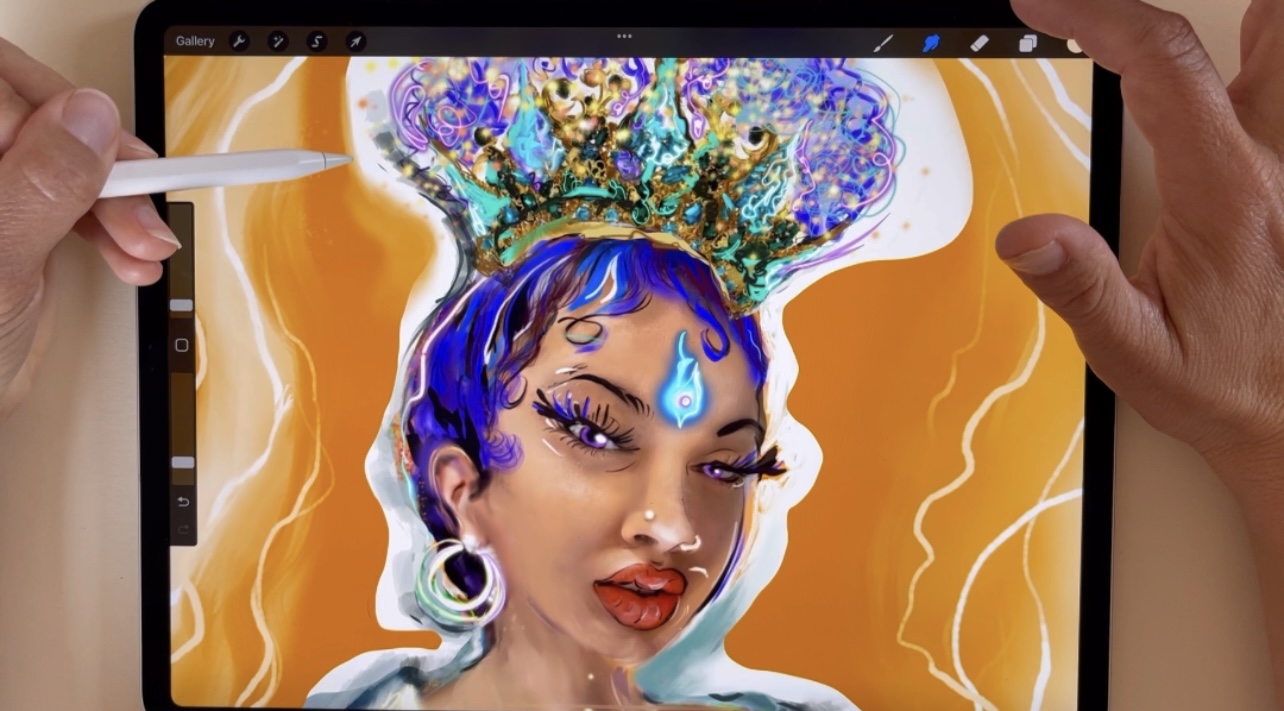
-We create a JuicyCat Flower Crown!
-You learn about the Clipping Mask.
-We paint her Flower Crown.
-You learn more about Colour Pallettes
-You learn how you can keep your colours save.
-You learn how to change the opacity of your layer.
-You play with the variety of your different layer options beneath the layer opacity, in oder to create different colourful crowns.
6. JuicyCats Basic Energy: Flower 🌸 🌺Crown 2
-We play with the variety of procreate panel in our crown layer.
-We paint and draw inside our differen layers.
-A little recap what we just did with all our JuicyCat layers.
-First we had the JuicyCat with white background.
-We created 2 different flower crowns.
-Now we want the singel crown together with our JuicyCat, infront of an orange background!
-We learn how to take a singel layer and how we change the of our layers.
8. JuicyCats Energy: Tools
Party TIME!! Let’s play with the tools we just learned.
-We play with the opacity of the layers.
-You will learn about the toolbar of the first tool icon.
-You learn about how to change the settings for your canvas.
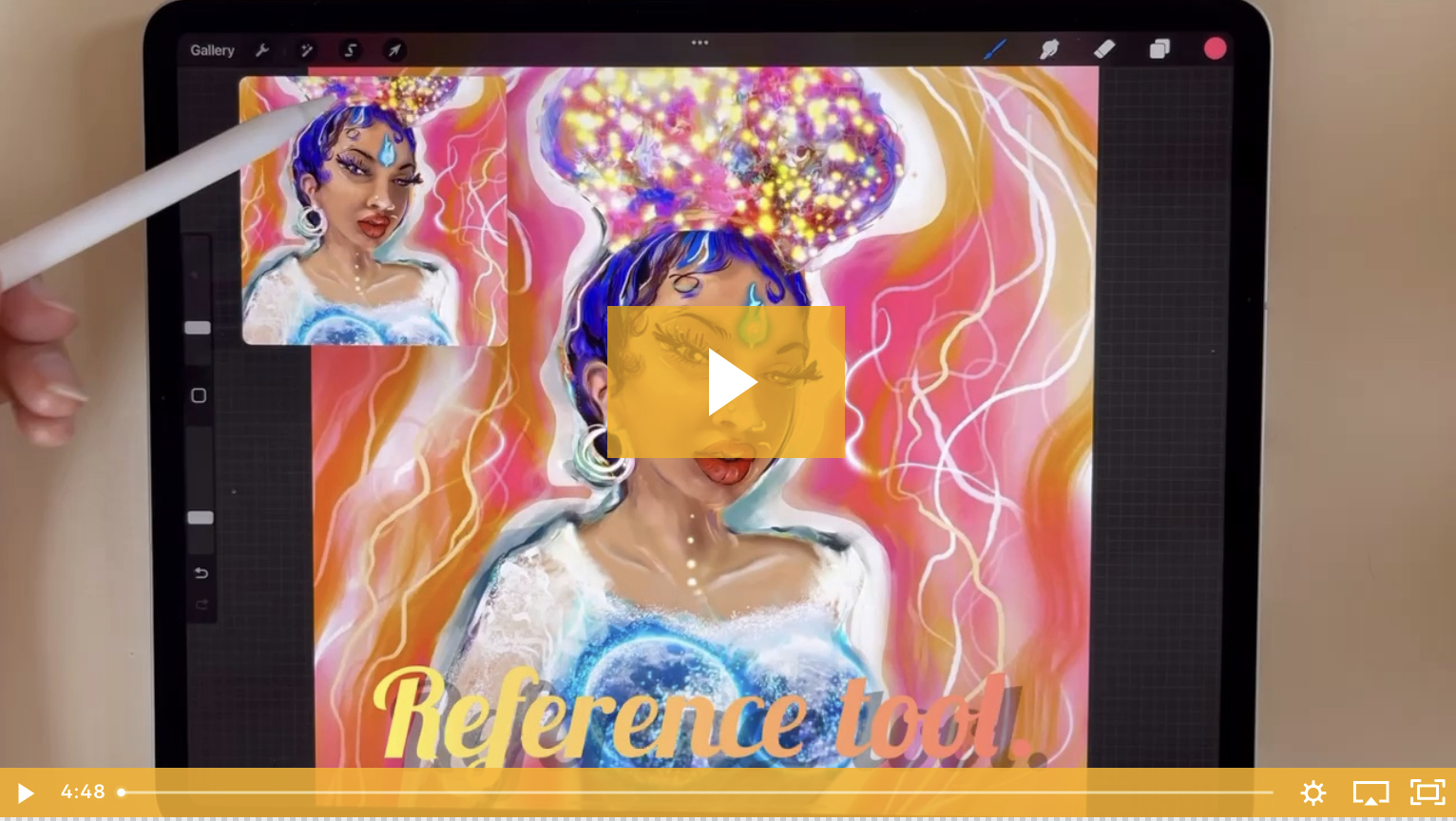
-You learn about the reference tool.
-You learn how to flip your canvas.
-You learn how to share your JuicyCat as a gif or mp4 little video.
-You learn how to download a timelaps.
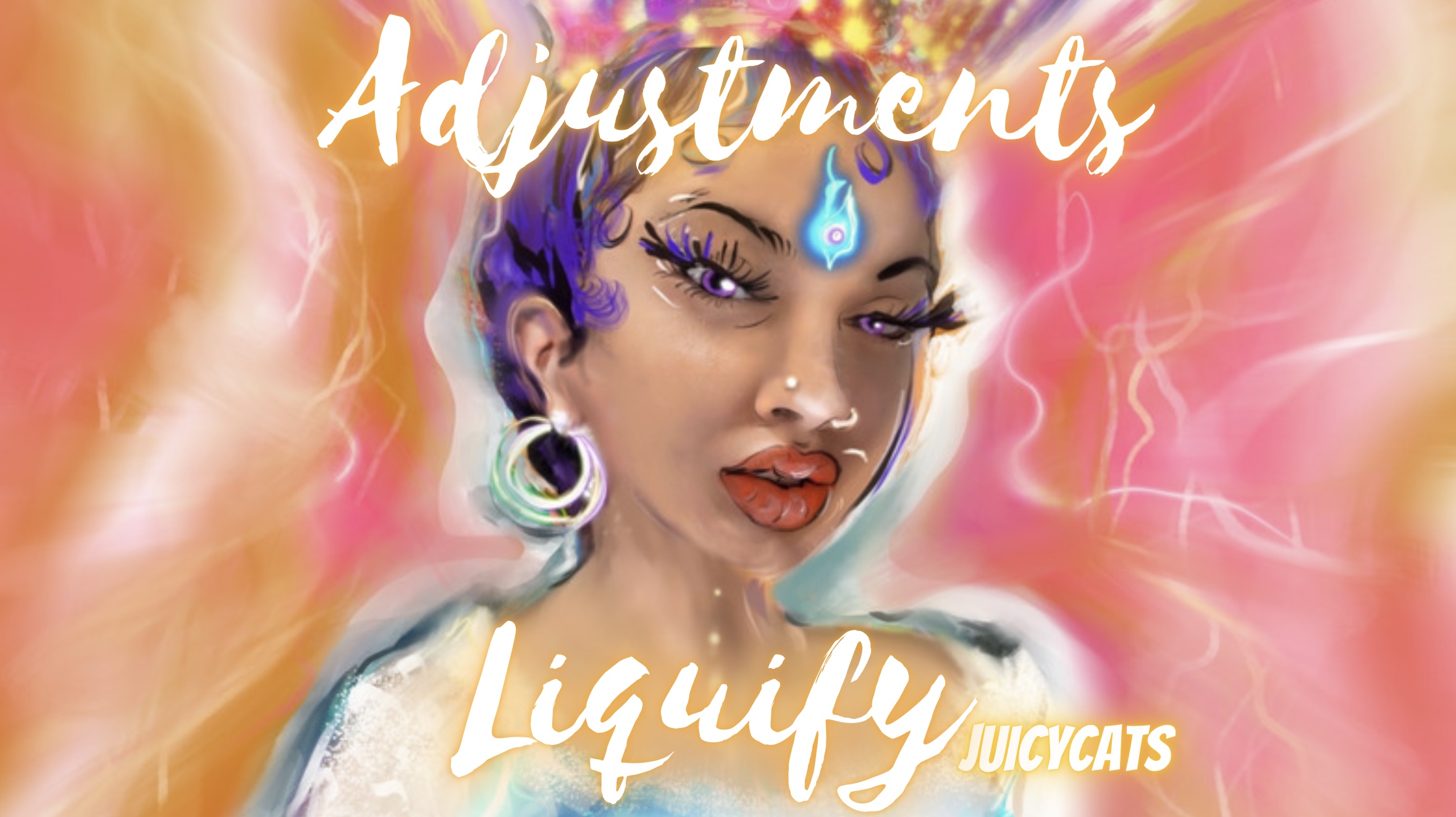
9. JuicyCats Energy : Toolbar Adjustments & Liquify
-You learn all about the tool bar of Adjustments.
-Saturiation, Cue, Brightness & Colourbalance.
-You learn about the blur.
-You learn about the precious liquify tool!
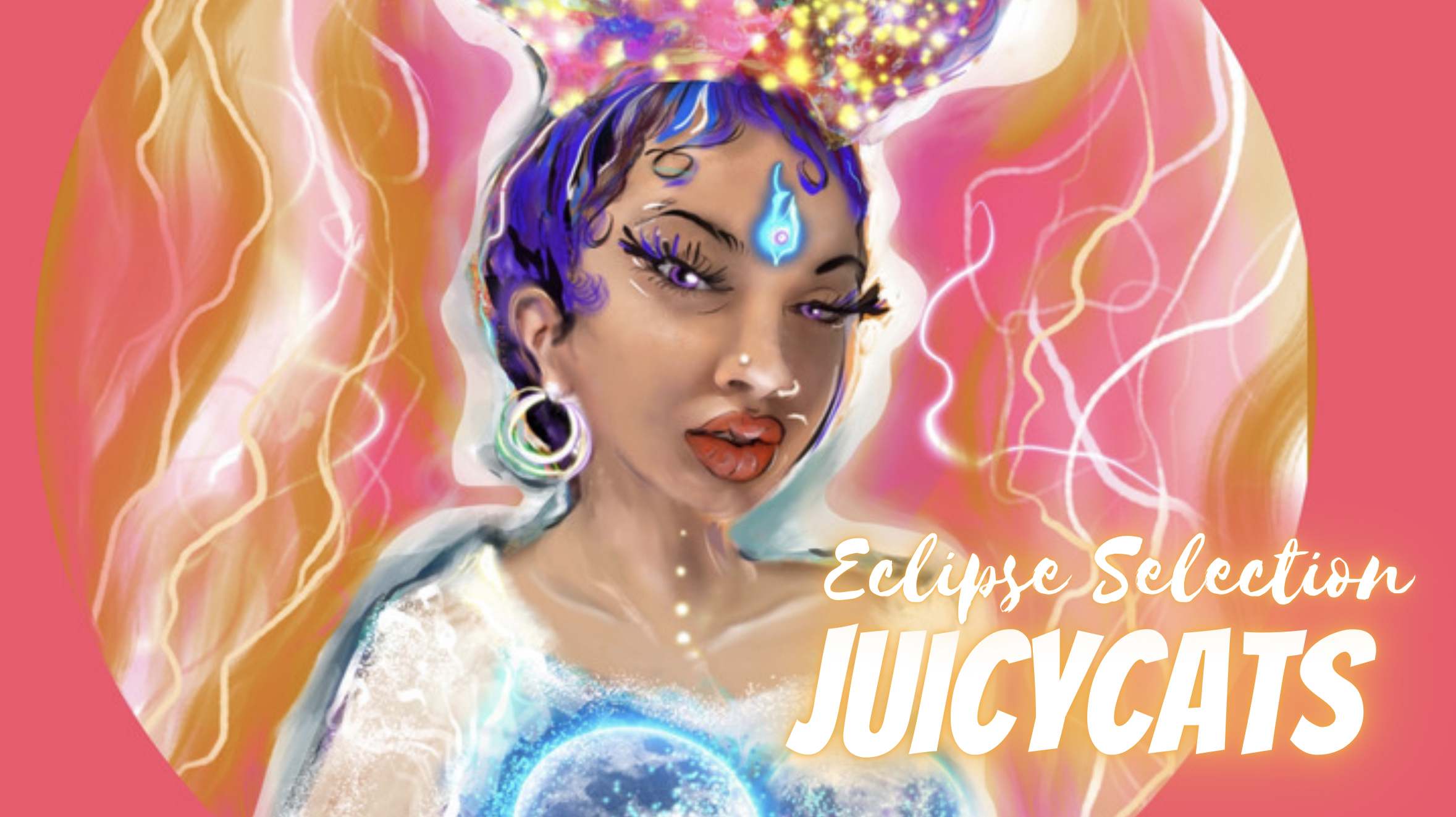
10. JuicyCat Energy: Eclipse Selection
-We learn more about the selection tool bar.
-We learn eclipse selection.
-Copy & past your eclipse and you receive the Juicy in a perfect circle.
-We save her as PNG.
-You learn how to change your images with the arrow tool.
-You learn how to wrap your image and how change it in unified form.
12. JuicyCats Energy: The Final
Toolbar for the singel layers.
You learn how to invert your image.
How to create a completey round circle and invert it.
We play with the JuicyCat inside our circle.
With the unified tool you can change the image always in right proportions.
Thank you so much for joining!!!!