
This tutorial is suitable for users with basic knowledge in Photoshop.
I recommend a 1on1 session in Skype with me, if you use Photoshop and Lightroom for the first time. There I can explain everything in detail and respond to your questions.
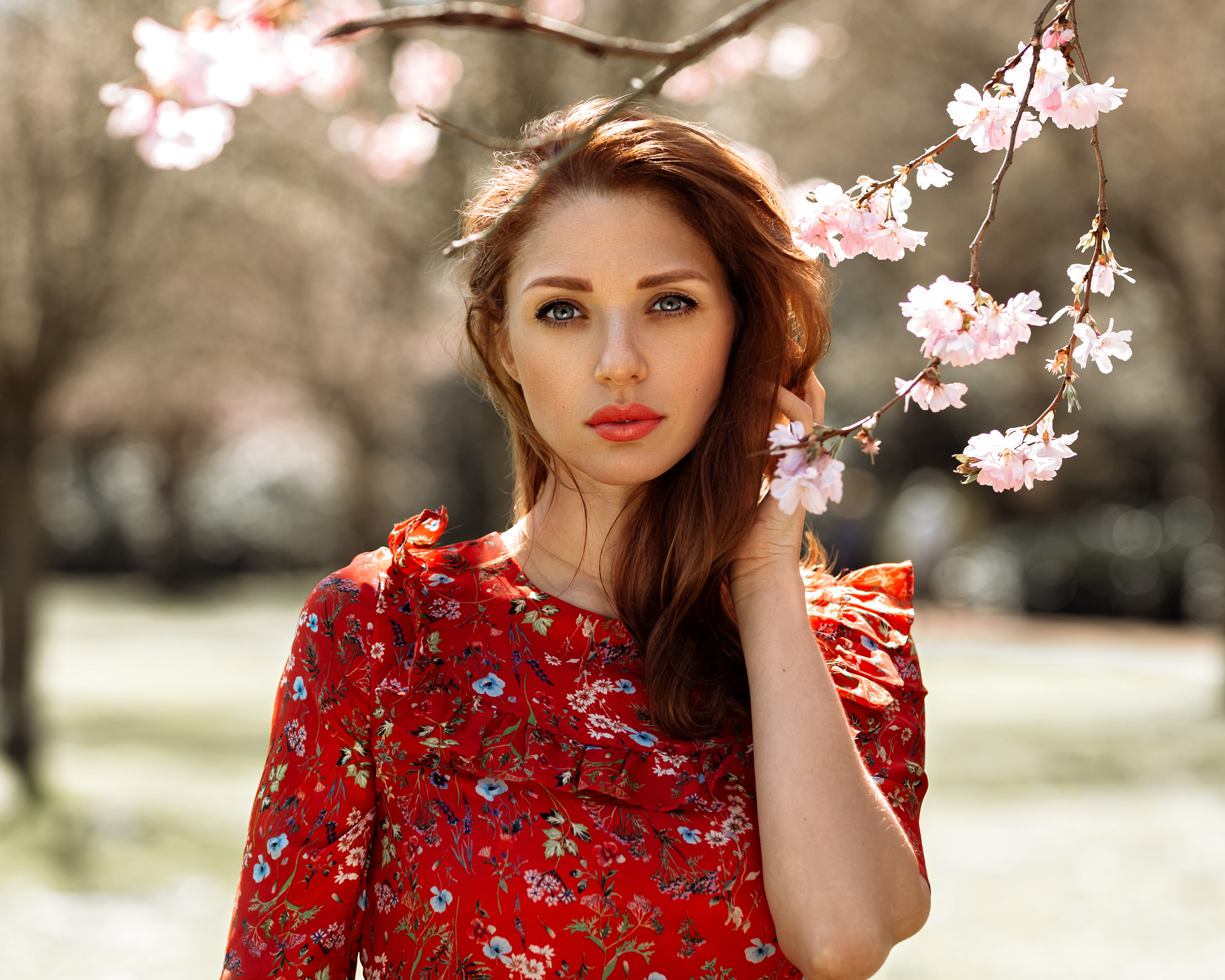
Picture 1: Finished
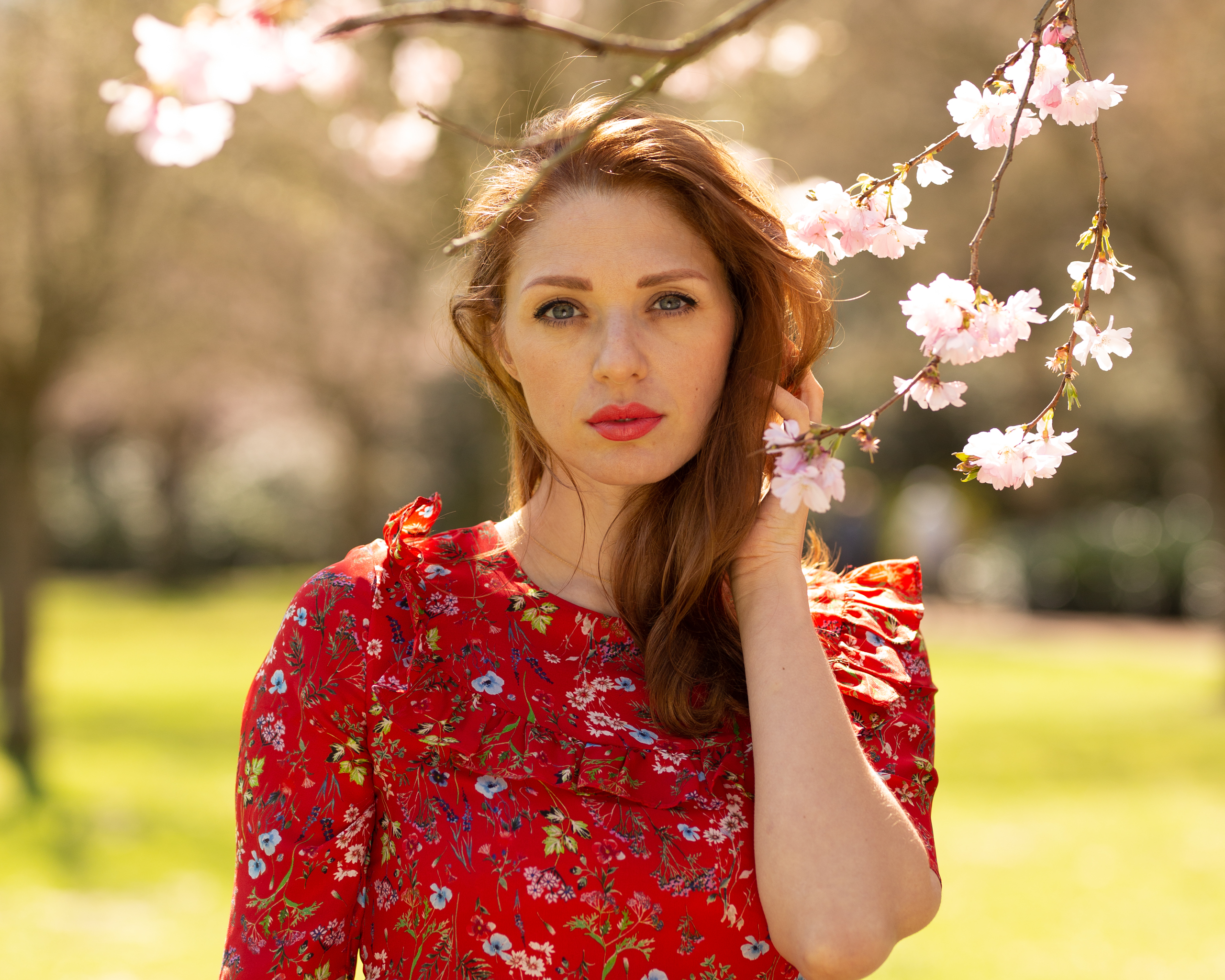
Picture 2: RAW, Out of Cam
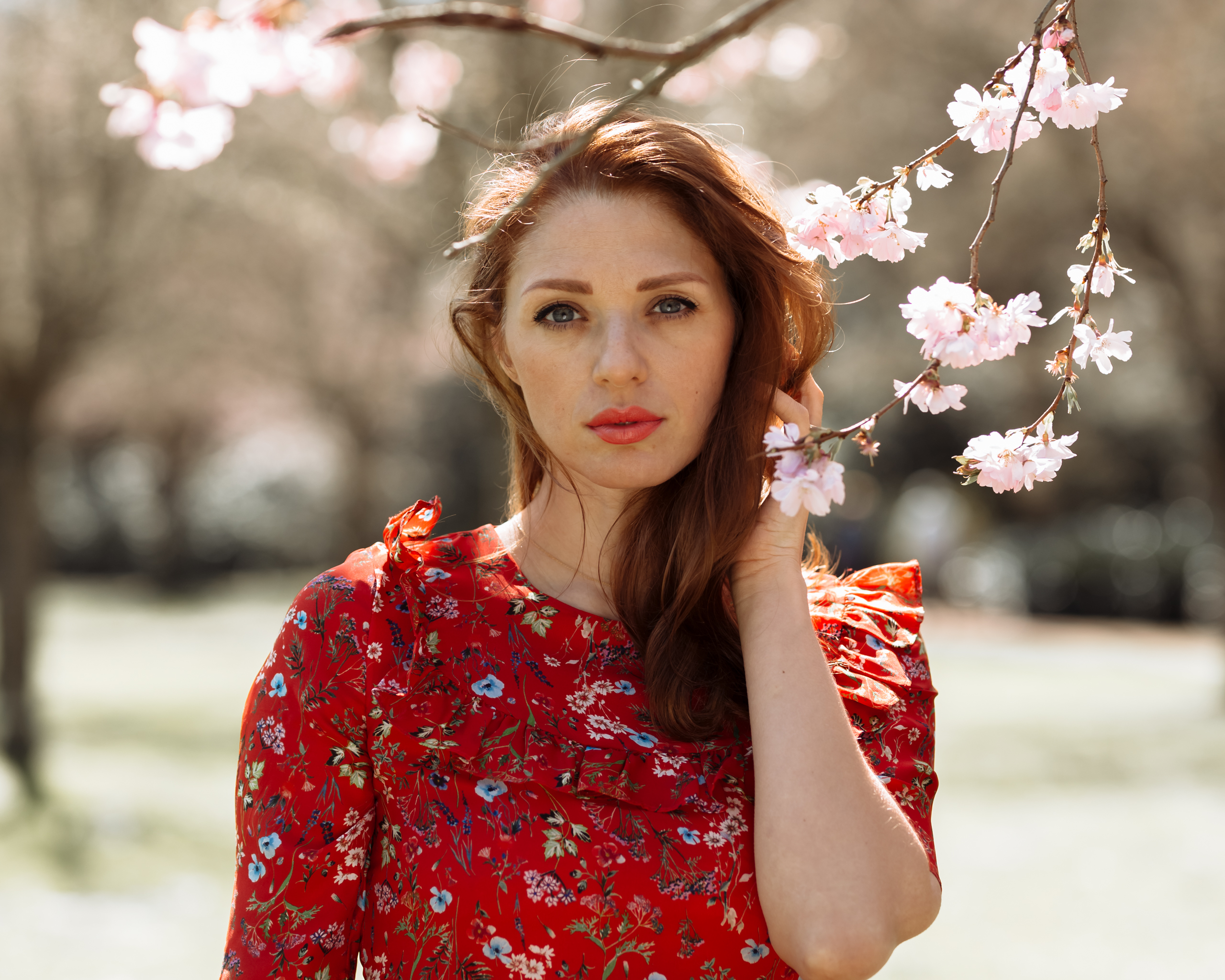
Picture 3: Picture only with preset
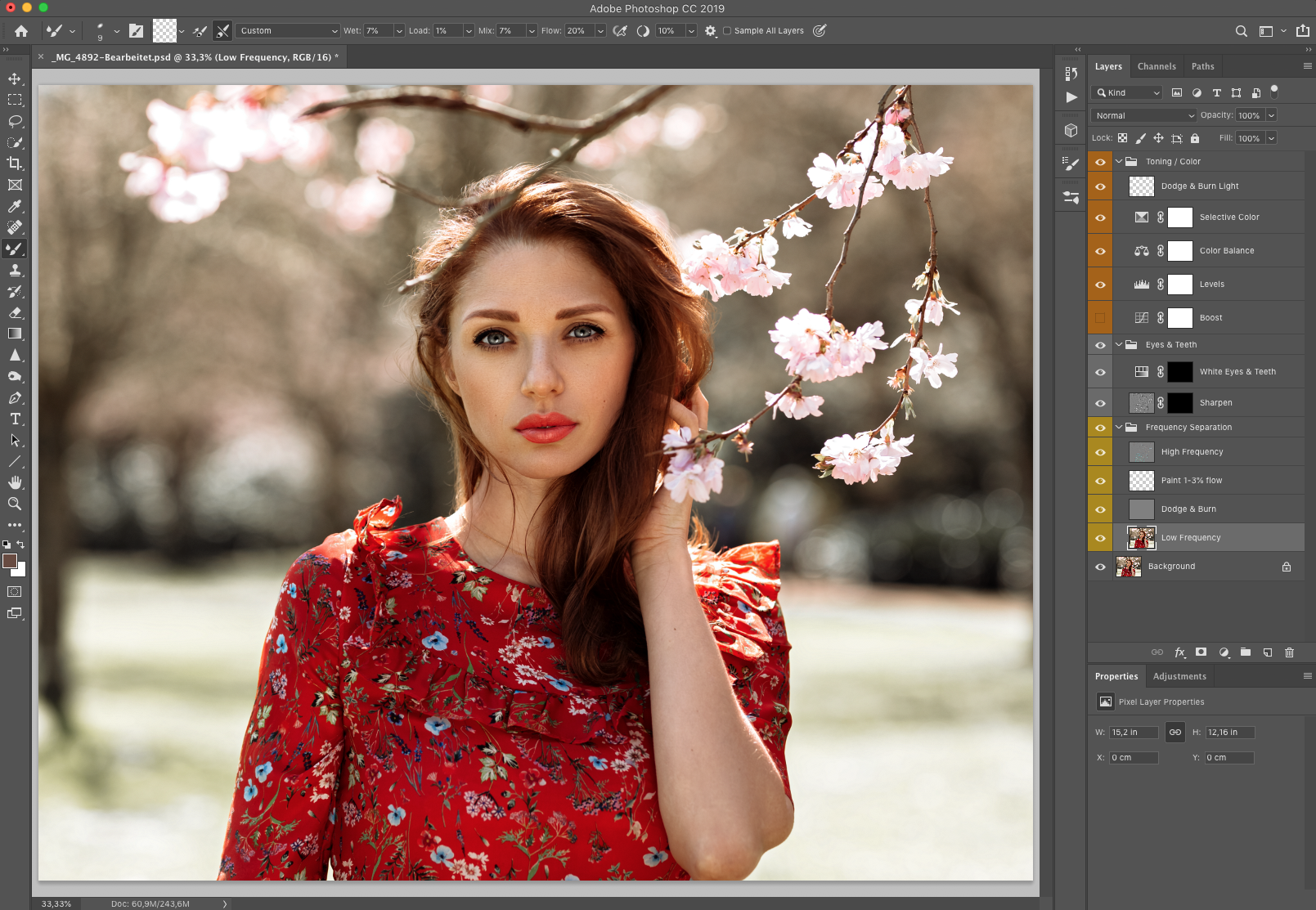
Picture 4: My workflow action in PS
Included in this tutorial:
Tutorial Full HD 1080p in English
My complete workflow as a Photoshop action
Preset for Lightroom / Photoshop Camera Raw
RAW file to practice
The RAW file is for training purposes only. A publication is expressly prohibited.
How to import a preset in Lightroom:
https://www.lightroompresets.com/pages/how-to-install-lightroom-presets
You can easily install the Photoshop action by double-clicking the WorkflowStefanTeresiak.atn file.
For further questions contact me via Instagram or simply by e-mail.
Best regards,
Stefan
I recommend a 1on1 session in Skype with me, if you use Photoshop and Lightroom for the first time. There I can explain everything in detail and respond to your questions.
Picture 1: Finished
Picture 2: RAW, Out of Cam
Picture 3: Picture only with preset
Picture 4: My workflow action in PS
Included in this tutorial:
Tutorial Full HD 1080p in English
My complete workflow as a Photoshop action
Preset for Lightroom / Photoshop Camera Raw
RAW file to practice
The RAW file is for training purposes only. A publication is expressly prohibited.
How to import a preset in Lightroom:
https://www.lightroompresets.com/pages/how-to-install-lightroom-presets
You can easily install the Photoshop action by double-clicking the WorkflowStefanTeresiak.atn file.
For further questions contact me via Instagram or simply by e-mail.
Best regards,
Stefan
